
Turn your digital menu into a 3D experience and augmented reality on the table.
Stop guests asking "how big is this?". Put steaks, desserts and signature drinks on the table at real 1:1 scale in Safari and Chrome — nothing to install.
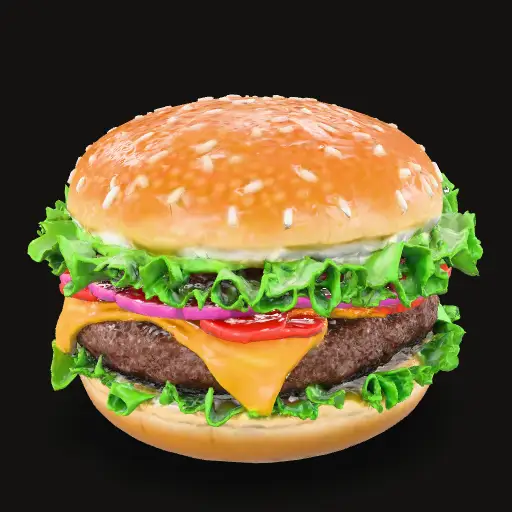
A paper menu raises questions. PratoAI sells on sight.
Generic copy and static PDF photos cannot show portion size or the shine of the ingredients. Look at the conversion gap:
Vague lines like "steak with vegetables" force guests to interrupt the waiter again and again. Desserts and expensive dishes stall out of fear of disappointment.
The dish opens in 3D on the phone. In Safari and Chrome, the button places the model on the table at real size — from the width in cm you entered.
True 1:1 scale on the table
You enter the dish width in centimeters. The model appears at that scale on the table, in Safari (iPhone) and Chrome (Android).
Zero app install
Point the phone camera at the table display. Quick Look and Scene Viewer start the 3D in under 1.5 seconds in the browser.
Addictive 9:16 reels and video
Pair the 3D model with Stories/Reels: melting cheese, torch burn and steaming sauces right on the dish card.
Digitize your dish in 3 fast steps
Phone photos, width in cm, the AI builds the 3D model. You spin it, approve and publish.
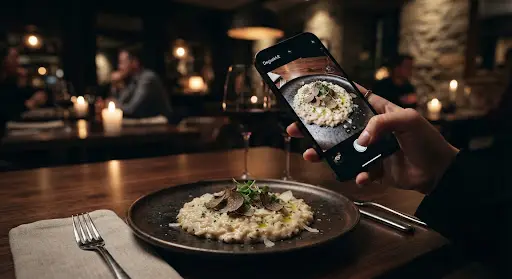
Photograph with any phone
Walk around the dish taking 3 to 5 ordinary well-lit photos and register the plate diameter. Our assistant guides the ideal angles.
AI builds the 3D
The build runs in the cloud. You spin the result in the studio. If you dislike it, try again with the same photos. A failed build returns the credit.
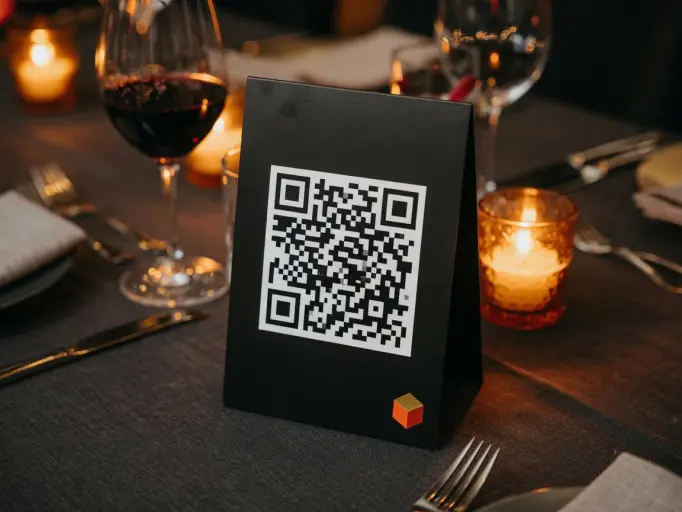
Dynamic, permanent QR code
Put the displays on the tables once. Change dishes, prices, photos and daily specials in the dashboard without ever reprinting plates.
On the table, no app
Guests scan the QR, open the menu in the browser and see the dish in 3D. On a phone, they place the model on the table at real size.
You enter the width in cm. The dish appears at that scale on the table.
Safari on iPhone, Chrome on Android. The table QR opens the menu.
The QR points at the restaurant. Changing the menu does not mean reprinting.
Each build spends 1 credit only if the model is ready. If the AI fails, the credit is returned.
"Open the demo menu on your phone and see the flan or the cheeseburger on the table, at real size."
— Public demo · /r/vitrine
Point the camera and feel the experience
Nothing to download. Scan the QR to see the caramel flan or the cheeseburger on the table, at real size.
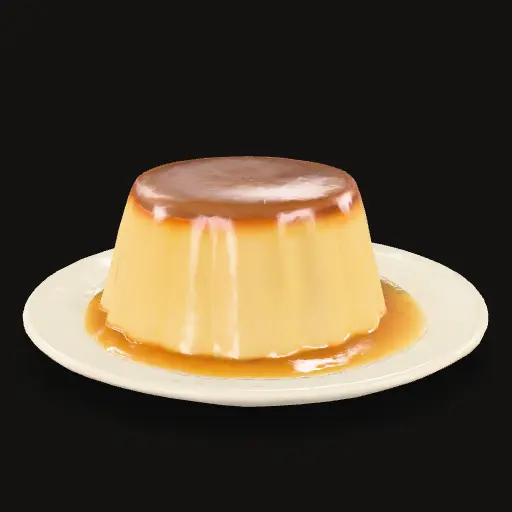
Caramel flan
Creamy flan with caramel sauce. See the slice height and the shine of the caramel on the table, at real size.


Plans that pay for the 3D build
A flat monthly fee, no take-rate on orders. Each 3D dish spends 1 credit only if the model is ready. If the AI fails, the credit is returned.
To start the AR menu.
Ask on WhatsApp
For the menu that changes every week.
Ask on WhatsApp
For a group, a franchise or a large menu.
Ask on WhatsApp
What the guest sees
"The table QR opens the menu in the browser. No account, no download, no waiting for the waiter to explain the size."
"On the dish page the 3D model spins on screen. On a phone, the button places the dish on the table at the size you entered in cm."
"You photograph, enter the cm, the AI builds the GLB. If it fails, the credit comes back. The table QR stays the same."
Put a dish on your guest’s table this week.
Our 3D engineering team will digitize one signature dish from your menu for free so you can test the real reaction of guests in the dining room.